2026 Alaska & Yukon Connected Travel eSIM: Anchorage—Whitehorse Corridor — Polar Coverage, Hotspot Strategy & Top 5 Comparison
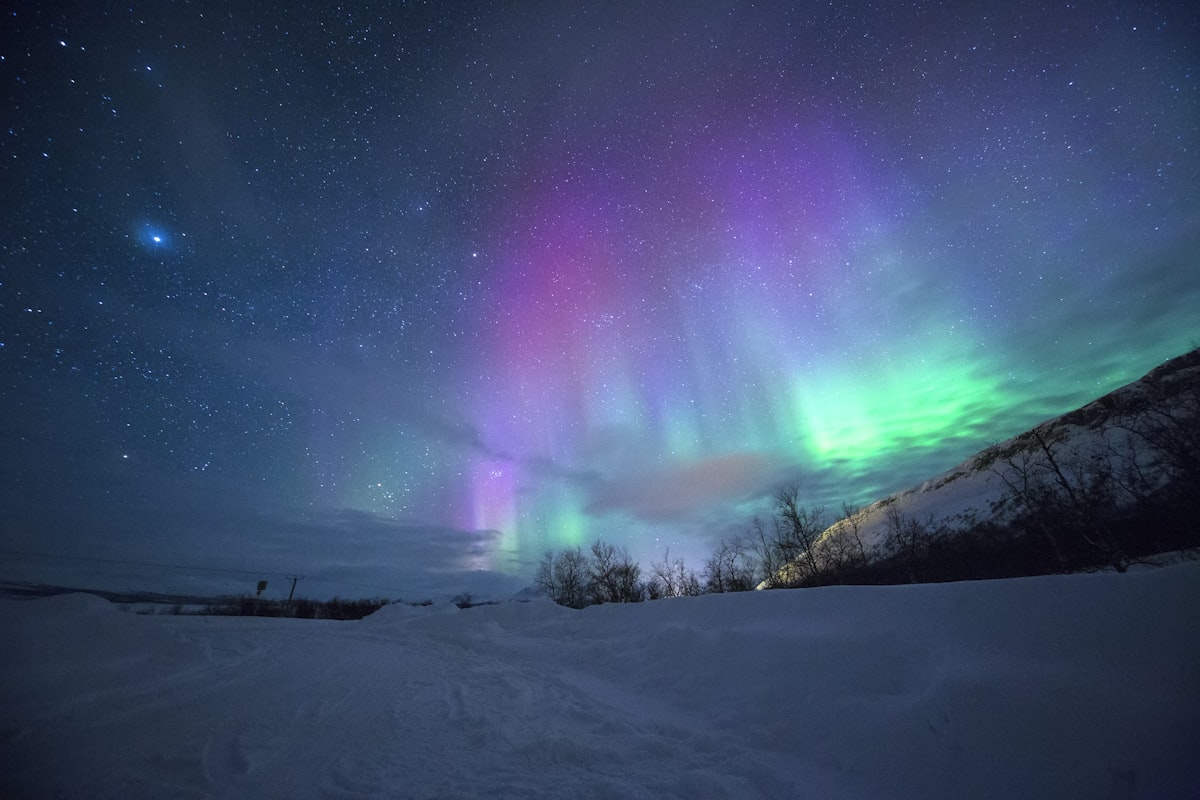
The Anchorage—Tok—Whitehorse corridor is unlike any other North American eSIM puzzle. It is not a coast-to-coast run, not a multi-city loop, and not a metro-dense ranking like a US single-country guide. Between Glennallen, Tok, the Beaver Creek border, and the climb into Whitehorse, you cross hundreds of kilometres where a single LTE band may be the only reachable signal—or nothing at all. Marketing maps still paint the region with optimistic 5G tiles, while reseller SKUs quietly disagree on whether Alaska is included, whether Yukon attaches like southern Canadian provinces, and whether your hotspot can survive a 200 GB photo backup. This guide stays polar self-drive first: a reproducible six-axis scorecard, a Top 5 snapshot with comparison table, plus install discipline for photographers.
Start on the multi-country and regional packages page and filter USA, Canada, or North America regional—no login. Layer brand positioning with eSIM brands comparison (2026), widen the lens with Canada rail & city route ranking, then keep activation receipts in Help Center FAQ—all without an account.
Itinerary & risks
Most polar self-drives book five to nine days for the round trip, with photography hides at Matanuska Glacier, Wrangell–St. Elias, Kluane Lake, and aurora pull-outs along the Alaska Highway. The connectivity risks are very different from a city-only week:
- Long dead zones — Tok to Beaver Creek and segments north of Haines Junction can stretch 80–150 km without a usable cell. Plan offline maps, paper backups, and check-in windows at lodges.
- Border attach order — Crossing into Yukon, your phone may park on the first reachable host operator before the eSIM matrix re-evaluates. Some regional SKUs include the US but exclude Canada north of 60°N.
- Cold-weather radio behavior — Below −20 °C, batteries collapse and modem retries spike. Carry a heated pouch and a USB-C powered hotspot puck that can survive the front seat overnight.
- Aurora-night uplink spikes — Photographers and videographers often dump 50–200 GB of RAW or 4K to the cloud after one good night. A daily-bucket SKU will throttle long before the upload finishes.
- Wildlife stops & SOS — Bear, moose and bison closures along the highway can leave you stationary for hours. Keep at least one line that supports satellite SOS or carrier 911 on a fallback band.
Scorecard
Each axis below should translate into a pass, fail, or needs-screenshot decision before you buy. They mirror the comparison table so you can walk the row left-to-right with the Alaska Highway map open.
- Coverage (AK / YT corridor) — Both United States and Canada on every attach day; verify that Alaska is not silently excluded and that Yukon Territory attaches with the same matrix as southern provinces.
- 5G depth — Real mid-band NR in Anchorage, Wasilla, and central Whitehorse versus LTE-only on the Tok–Beaver Creek run; ignore peak Mbps screenshots taken in downtown Seattle.
- Hotspot (personal tethering) — Whether laptop and camera tethering is explicitly allowed for multi-gigabyte RAW or ProRes uploads; flag every unlimited-style SKU that shares hotspot with the streaming bucket.
- Throttles & speed caps — Hard GB ceilings versus daily high-speed buckets; the first column to trip when you queue an aurora dump while a backup script syncs Lightroom catalogs.
- Customer support & refunds — Unused QR windows, proof for failed activation in remote dead zones, ticket channels, and whether one accidental Canadian attach voids refund eligibility.
- Installation difficulty (iOS / Android) — QR vs app-led flows, rare APN edits, and dual-SIM discipline so home-line bank SMS does not ride the travel data path mid-shoot.
Data sanity: navigation plus messaging often lands near 1–2 GB per week; add 3–6 GB for cloud-backed map tiles and weather radar; budget 20–60 GB for serious RAW or 4K uploads—offload to lodge Wi-Fi in Whitehorse or Anchorage rather than the highway shoulder.
Operator candidates & Top 5 comparison
Stars summarize how each brand typically positions Alaska–Yukon corridor SKUs in 2026; they are a compass, not a carrier contract. Re-check the exact cart item every time.
- RoamBest — Coverage , 5G , Hotspot , Throttle clarity , Support & refunds , Install iOS/Android /
- Airalo — Coverage , 5G , Hotspot , Throttle clarity , Support & refunds , Install iOS/Android /
- Holafly — Coverage , 5G , Hotspot , Throttle clarity , Support & refunds , Install iOS/Android /
- Nomad — Coverage , 5G , Hotspot , Throttle clarity , Support & refunds , Install iOS/Android /
- GigSky — Coverage , 5G , Hotspot , Throttle clarity , Support & refunds , Install iOS/Android /
Top 5 comparison table (Alaska–Yukon corridor focused)
| Provider | Coverage (AK / YT + corridor notes) | 5G | Hotspot | Throttles / speed caps | Support & refunds | Install (iOS / Android) |
|---|---|---|---|---|---|---|
| RoamBest | USA+Canada and North America regional SKUs explicitly include AK and YT; verify Beaver Creek border attach | Mid-band NR in Anchorage and Whitehorse cores; LTE-first on the Alaska Highway | Explicit tethering on fixed-data SKUs—safer for RAW uploads | Clear GB caps; fewer vague slow-network clauses | Documented unused-QR stance; responsive support for remote activation | iOS QR smooth; Android OEM dual-SIM routing needs discipline |
| Airalo | USA / Canada country packs or NA regional—confirm both flags include Alaska and Yukon | NR where host MNO allows; rural drop-off normal past Tok | Allowed on most capped plans; unlimited-style varies | Per-SKU daily buckets possible on endless data | Per product T&C; screenshot before crossing the border | iOS app-forward easy; Android moderate OEM variance |
| Holafly | US & Canada day-pass style—double-check Alaska on the exact tier; Yukon footnotes vary | LTE-first outside dense cores; NR patchy on fast highways | Often limited; fair-use on unlimited marketing | Daily high-speed bucket + throttle common | Unactivated refund often stated; partial-use rules differ | iOS moderate; Android read tether notes before checkout |
| Nomad | Regional NA mixes—fine print for simultaneous AK+YT attach days | Urban 5G where partners deploy NR | Full on data bundles; FUP on endless-style SKUs | Watch deprioritization language under load | Refund window in T&C; ticket-based support | iOS solid; Android dual-SIM discipline required |
| GigSky | Premium multi-destination; confirm AK+YT on the exact tier (some legacy SKUs exclude AK) | Strong NR in metros; highway behavior follows host QoS | Full on many tiers; read fair-use carefully | Published usage tiers; monitor dashboard | Published T&C; ticket-based support | iOS app path; Android account + profile steps heavier |
Corridor playbook
- Anchorage arrival + city day — Activate before leaving the airport Wi-Fi; confirm 5G NR on the SIM details screen, run a single speed test, and queue the first OS update only on hotel Wi-Fi.
- Anchorage → Glennallen → Tok (one long day) — Pre-download offline maps for the whole leg; switch to LTE-only on the modem to stop battery-killing 5G handovers in fringe coverage.
- Tok → Beaver Creek → Haines Junction (border day) — Toggle airplane mode at the border, force re-attach, and screenshot the new operator name; this is when most SKU mismatches surface.
- Whitehorse base + Kluane day trips — Schedule heavy RAW or 4K uploads on lodge Wi-Fi; cap cellular tether to a few megabits to avoid burning a daily bucket on a single backup.
For broader North American comparisons beyond this polar leg, browse the full Travel Guides / blog collection and only add a second SKU when your route map crosses outside the AK–YT matrix.
Purchase & install FAQ
Will one North America regional eSIM work for both Alaska and Yukon on a single Anchorage–Whitehorse drive?
Often yes if the published matrix lists both United States and Canada for every attach day—but a few regional SKUs silently exclude Alaska or list Canada only by southern provinces. Re-read the tethering and fair-use footnotes before checkout.
Why does my eSIM lose data between Tok and Beaver Creek even though the icon shows full bars?
Sparse rural cells often hand back without a clean PDP context, so signal bars stay visible while throughput drops to near-zero. Toggle airplane mode at major pull-outs to force re-attach, and queue large uploads for Anchorage, Whitehorse, or your lodge Wi-Fi.
Is hotspot tethering safe for backing up photos from a mirrorless or drone in the Yukon?
Tethering is allowed on most fixed-data SKUs, but unlimited-style passes often soft-cap or deprioritize tether traffic first. Screenshot the hotspot line before checkout and prefer compressed previews on cellular—save full-resolution RAW for hotel Wi-Fi.
Where can I compare destinations and read FAQ without signing in?
Open the packages list, read the brand comparison, explore the blog hub, and use Help / FAQ—all without logging in first.
Next step
Map the six framework axes onto the Top 5 table, then confirm both Alaska and Yukon appear on the destination list for every drive, photo hide, and aurora night—including the Beaver Creek border attach. When the matrix matches your route, open RoamBest regional and multi-country plans to compare allowances side by side. Prefer a brand lens first? Use the comparison guide, then Help / FAQ for activation—no login is required to browse or compare packages.
Alaska–Yukon eSIM — Browse & buy
Open USA, Canada, and North America regional SKUs. Compare 5G, hotspot, throttles, and refunds—no account required. Brand overview: eSIM brands comparison. Questions: Help / FAQ.